
- Free download
- 28 files
- PNG
- Icons & Elements
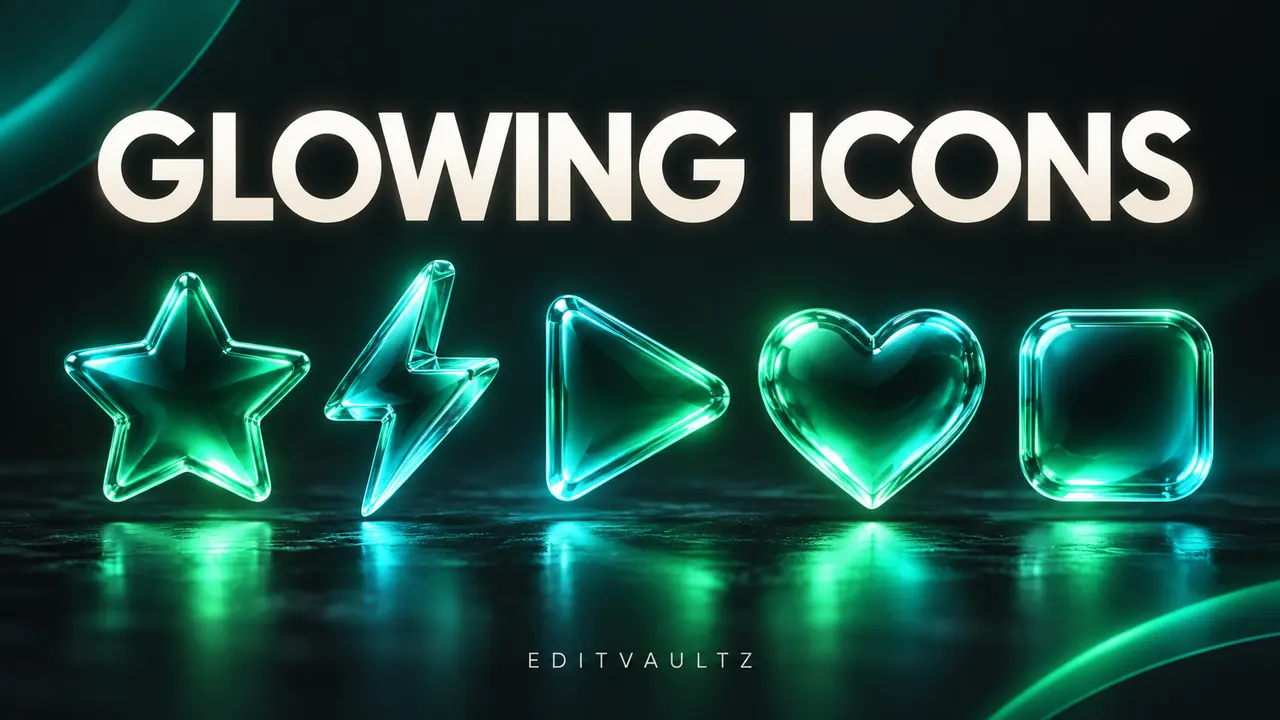
Glowing Icons Pack
28 PNG icon graphics for overlays, UI mockups and design work.
About this bundle
A set of 28 PNG icon graphics you can drop into edits, thumbnails, UI mockups and design layouts.
Place a PNG over your composition and position it where you need it. Because they are plain image files, there is nothing to install.
This pack is hosted on Google Drive and opens there when you download. Check the files and any licensing included with them before using them in published or commercial work.
What's inside
Key features & best uses
28 PNG icons
Individual PNG image files.
Drop-in graphics
Layer over edits, thumbnails and mockups.
Best for
- Thumbnails
- UI mockups
- Overlays
- Design layouts
Workflow
How to use
Step 1: Download
Open the Google Drive folder and download the PNGs.
Step 2: Place
Layer an icon over your composition.
Step 3: Position
Scale and position it where you need it.
Step 4: Export
Export your design or edit.
License & source
License not verifiedEditVaultz has not verified usage rights for this bundle. Check the source and any included license files before using it in published or commercial work.
Download source: Google Drive (shared folder or file).
Ready to use Glowing Icons Pack?
Opens Google Drive in a new tab.