
setting
Topography Background
Editing Presets11 KB
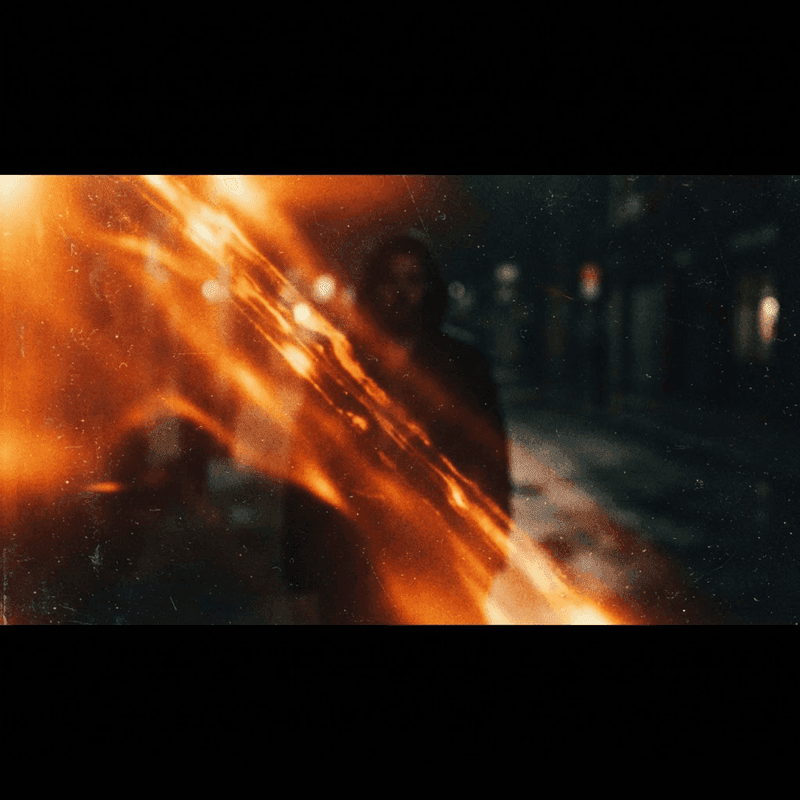
Ready-made effect stacks for Premiere and Resolve. 11 assets, all free to download. Check the license status on each asset page for usage details.
Every one of these editing presets is free to download with no signup and no watermark. Check the license indicator on each asset page for usage details. Drop the assets straight into Premiere Pro, DaVinci Resolve and After Effects, and export. New editing presets are added regularly, so bookmark this page and check back for fresh drops.
Import a clip into Premiere Pro, DaVinci Resolve, After Effects, place it on a track above your footage, and blend or position it to fit your scene. No plugins needed — just drag, drop and export.
Yes. Every one of these assets is free to download with no signup and no watermark. Check the license indicator on each asset page for usage rights.
Assets with a verified license can be used in monetised YouTube, Reels, TikTok, ads and client work. Check the license indicator on each asset page before commercial use.
They work with Premiere Pro, DaVinci Resolve, After Effects and most other editors that accept standard media files.